

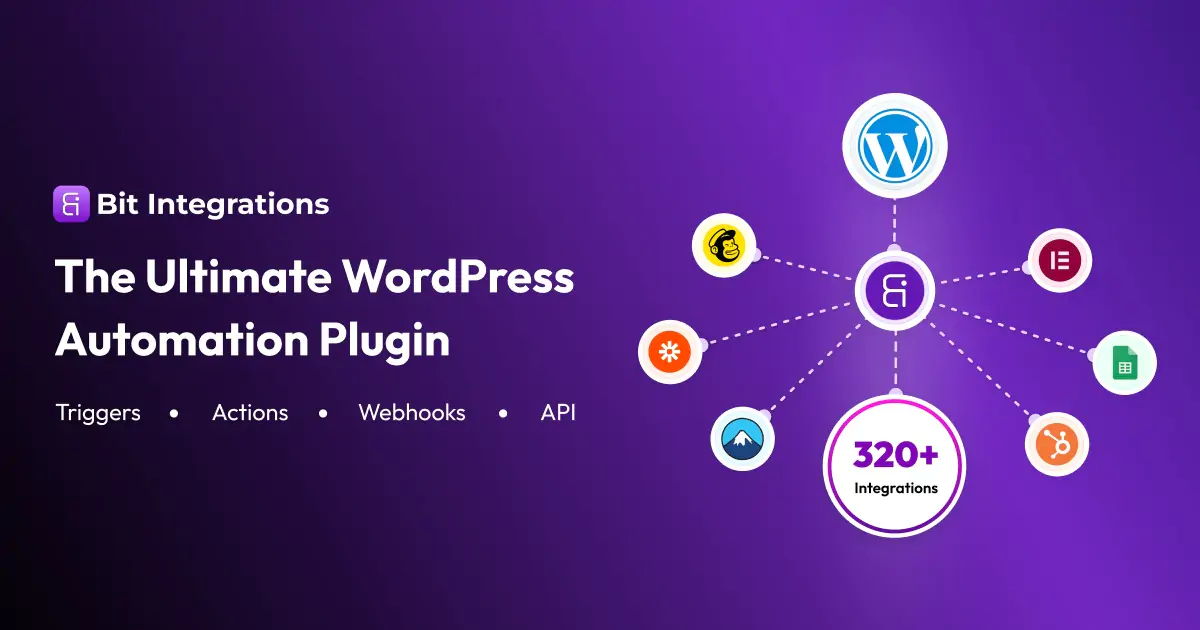
Bit Integrations Pro is a Premium WordPress Plugin designed to facilitate seamless integration between your WordPress website and various third-party services or platforms. It helps automate workflows, synchronize data, and extend the functionality of your site by connecting with external APIs or tools. Bit Integrations Pro is a WordPress integration and automation plugin that lets you connect your WordPress site with third-party services, plugins, CRMs, marketing tools, and other external platforms — all without writing any code. It’s designed to automate repetitive tasks and move data between systems easily right from your WordPress dashboard.
Features of Bit Integrations Pro
- Connecting WordPress with popular third-party services (CRM, email marketing, payment gateways, etc.)
- Automating data synchronization (e.g., user data, orders, contacts)
- Creating custom integrations via API or pre-built connectors
- Automating workflows to improve efficiency
- Support for webhook triggers and actions
- User-friendly interface for managing integrations without coding
- No-Code Automation
- Build automated workflows with triggers (events in WordPress) and actions (tasks performed when triggers fire).
- Example: When a user submits a form, automatically send that data to a CRM or Google Sheets.
- Connect WordPress to External Services
- Integrates WordPress with more than 290–320+ apps and platforms, including CRMs, email marketing tools, spreadsheets, web apps, and more.
- Built-In Connectors
Works with popular WordPress plugins such as: - Form builders (e.g., Contact Form 7, WPForms, Elementor Forms)
- WooCommerce
- CRMs like Mailchimp, ActiveCampaign, HubSpot
- Google services
- Conditional Logic & Field Mapping
- Define conditions so actions only run when specific criteria are met.
- Map fields from one system to another (e.g., match form fields to CRM fields).
- Webhook Support
- Send (
outgoing) or receive (incoming) data via webhooks from custom apps or services. - Logging & Debugging Tools
- Track and monitor automations with logs to troubleshoot issues.



RELATED POSTS
FluentCart Pro v1.3.12 - A New Era of Commerce with
Profile Builder Pro v3.14.6 - WordPress Plugin
Cost Calculator Builder PRO v3.6.10